Check every section
Starting point, key numbers, core system, four actions and ongoing rhythms should all be visible.
FINAL ARTIFACT
One screen built from the decisions you saved across the reset.
Your Dashboard assembles this summary from the decisions you saved. Check it, then bring it back to Lumi to continue.
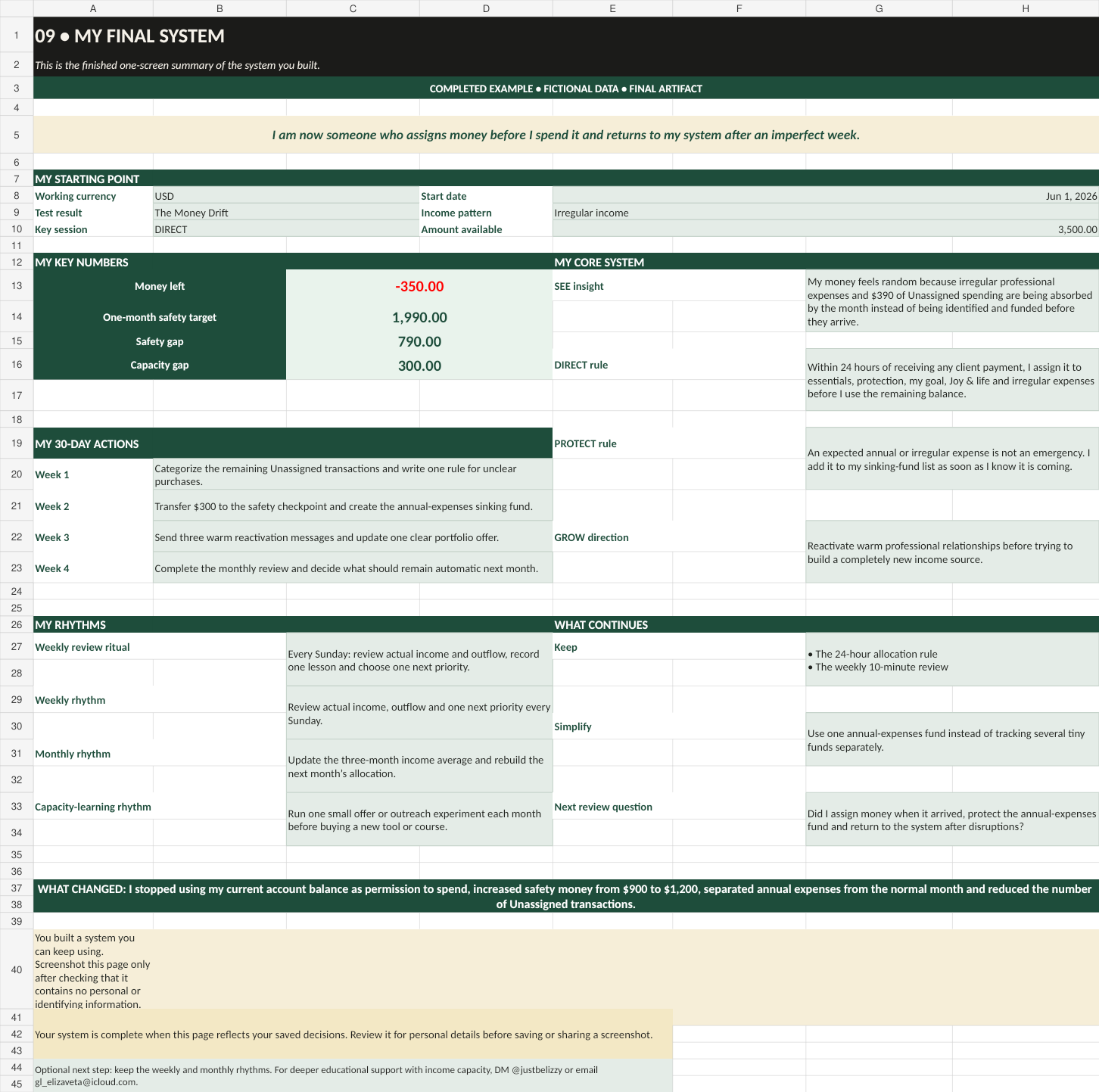
Starting point, key numbers, core system, four actions and ongoing rhythms should all be visible.
Remove names, employer details or anything identifying before saving or sharing a screenshot.
The weekly and monthly routines matter more than repeating the full reset.
WHAT COMES NEXT · BUILD YOUR WEALTH
Copy the text from tab 09 MY FINAL SYSTEM into your Lumi chat. If you’re returning in a new chat, send the Lumi prompt and your latest Guide Card first.
Tell Lumi: “I’ve finished my reset. Here is my final summary. Help me choose my next step.”
Lumi will combine this summary with the confirmed information you’ve shared, ask for anything important that is missing, and update your Guide Card. Save the complete new card in your notes.
“Can I afford this?” Check current money and what the decision changes.
“What keeps resetting my savings?” Separate predictable costs, reserves and goals.
“What should I focus on now?” Use your system and current situation to plan ahead.
The summary is a starting point, not a live account connection. Update your numbers when something changes. An unfinished reset can still be continued with the data you have.
Get the Lumi prompt →YOU FINISHED AI MONEY RESET
Save the Dashboard, return to the Weekly Review and use Day 30 again when you want a fresh monthly check-in.
Feedback and deeper educational support are optional: DM @justbelizzy or email hello@justbelizzy.com.